 REVELS ATELIER
LUMINARY
PICKER
A painter's colour picker that pops up right at your pen tip, built on the six-value system, live in Photoshop and Clip Studio Paint.
$49BUY NOW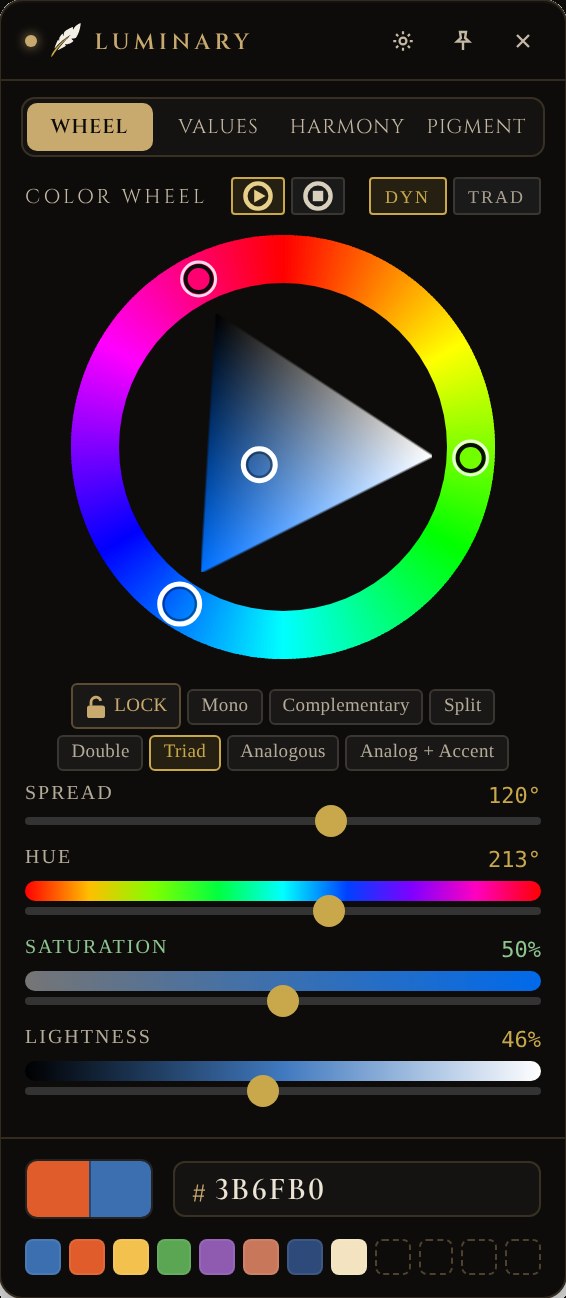
A wheel built for painting
The Luminary triangle (or a square), with a value-stable saturation slider that makes a colour richer or greyer without changing its value. Every move goes straight into your painting app as you drag.
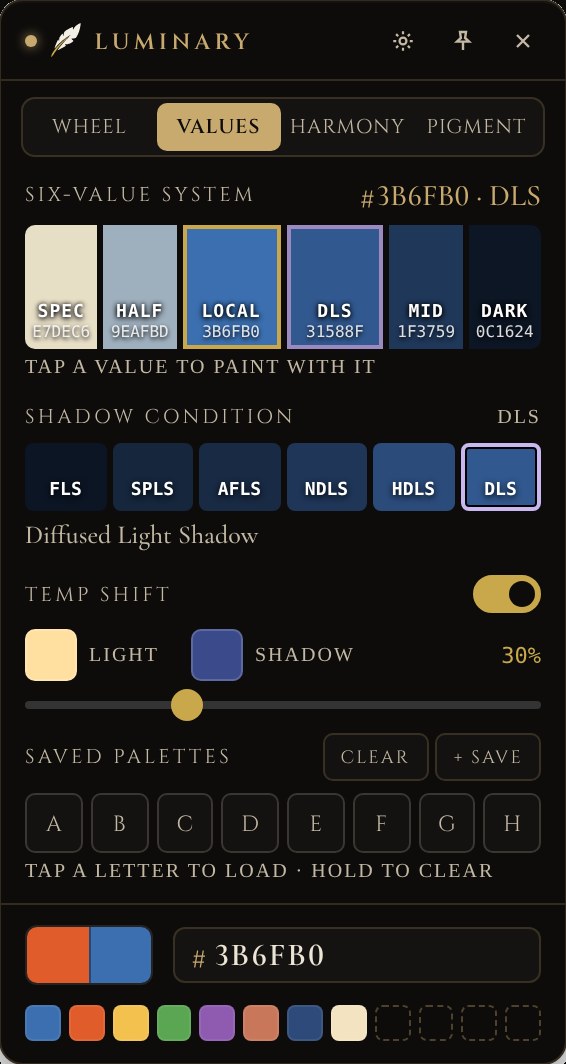
Six values from one colour
Specular, halftone, local, shadow, mid-dark and dark, under six real lighting conditions, from flat light to diffused daylight. Temp Shift warms your lights and cools your shadows. Tap any value to paint with it.
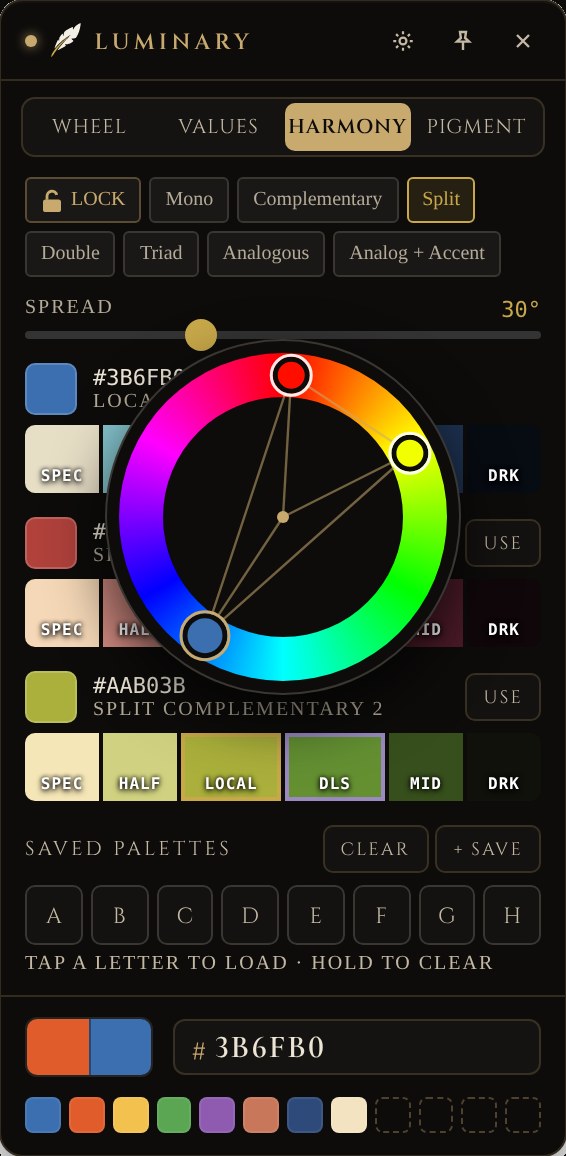
Harmonies with value built in
Seven colour schemes with an adjustable spread. Every harmony colour gets its own value strip, so a whole palette is ready to paint, light to dark.
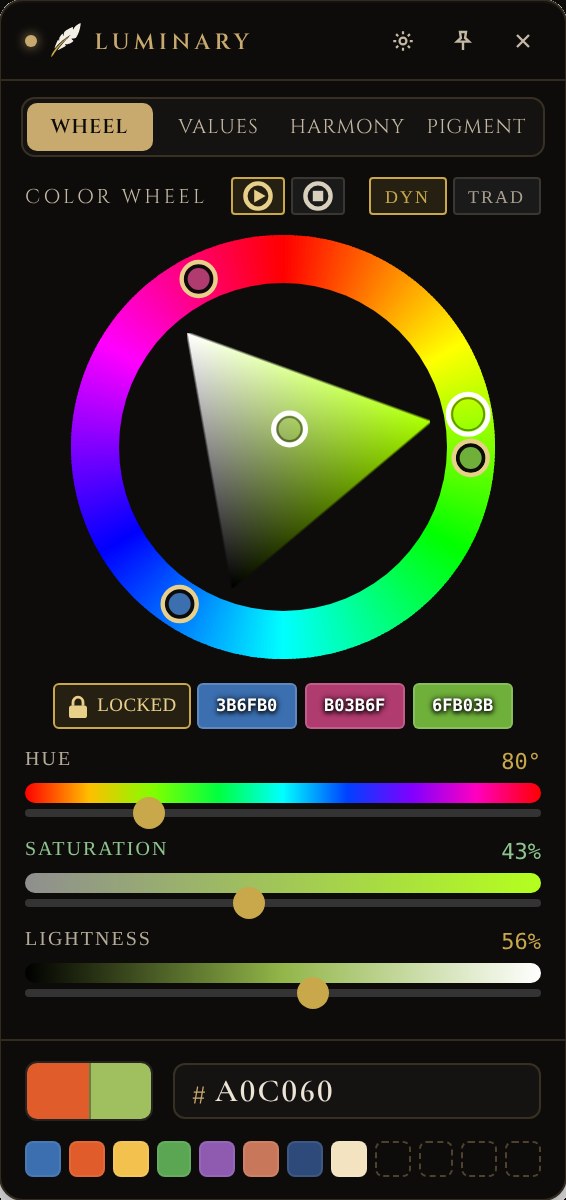
Lock your palette
Lock a harmony and it stays put while you keep picking, so a stray click never knocks you off your colour scheme. Save whole harmonies to eight palette slots.
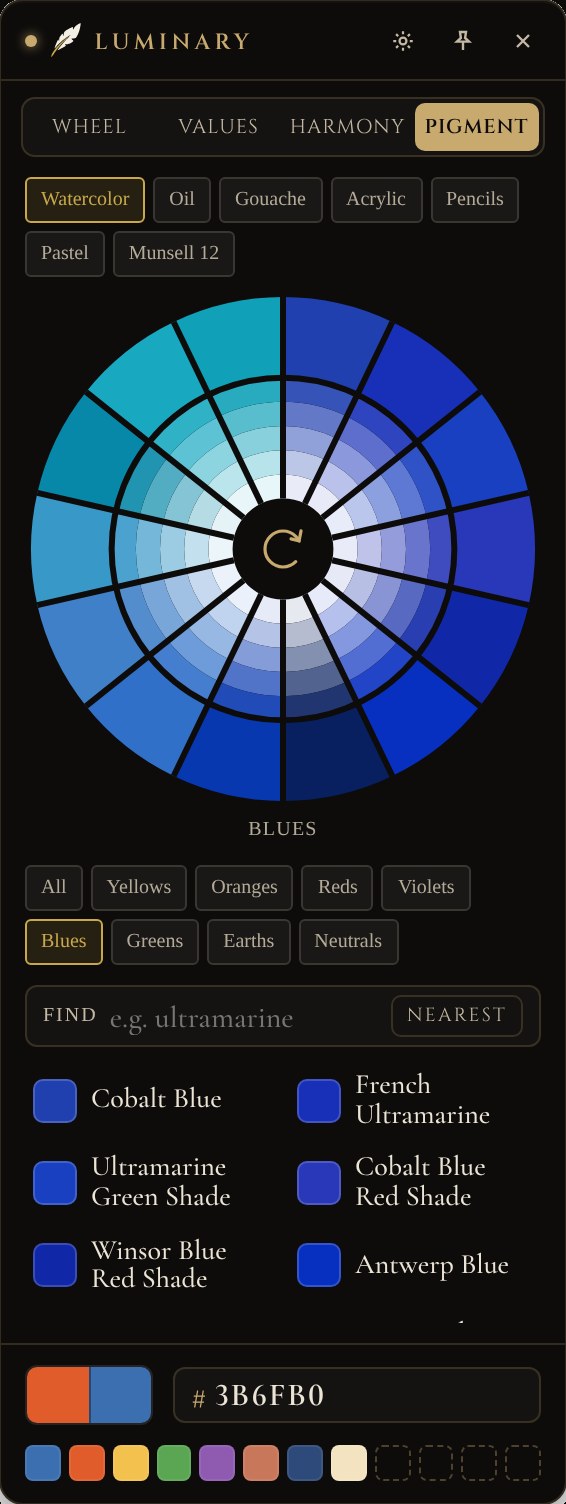
Real paint, by medium
About 600 named pigments across watercolour, oil, gouache, acrylic, coloured pencil and pastel, plus Munsell. Tap a paint or one of its tints, or snap any colour to the nearest real tube.
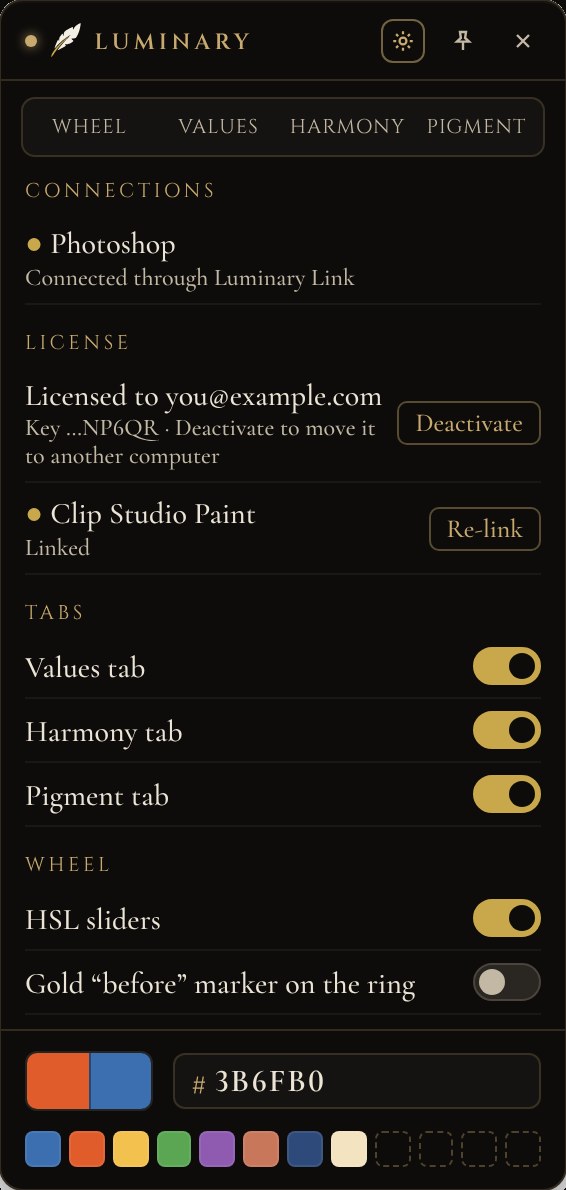
Make it yours
Switch off anything you don't use. Hover help explains every control. It links to Photoshop through a small plugin and to Clip Studio Paint with a one-time QR link.
PAINT WITH LIGHT IN MIND
Made by Robert Revels, IP developer and creator of Falconeria, illustrator, concept artist and illustration professor, founder of Revels Atelier.
$49BUY NOWInstant download after purchase. Your license key appears on the next page.
QUESTIONS
Which apps does it work with?
Adobe Photoshop 2022 or newer, through the included Luminary Link plugin, and Clip Studio Paint, through its smartphone companion connection (linked once with a QR code, no phone needed).
Windows or Mac?
Both: Windows 10/11 and macOS on Apple silicon or Intel. One license works on two computers, in any mix.
Do I need to be online?
Only once, to activate your key. After that it works offline.
Is it a subscription?
No. You buy it once.
What if I get a new computer?
Deactivate it on the old one in Settings, then activate on the new one. If the old computer is gone, email us and we'll free up the slot.
Refunds?
See the terms. Questions: help@revelsartschool.com.