 REVELS ATELIER
ENGRAVER
Turn any drawing, render or photo into crisp engraving and screen-tone art, ready for comics and print.
$9.99BUY NOW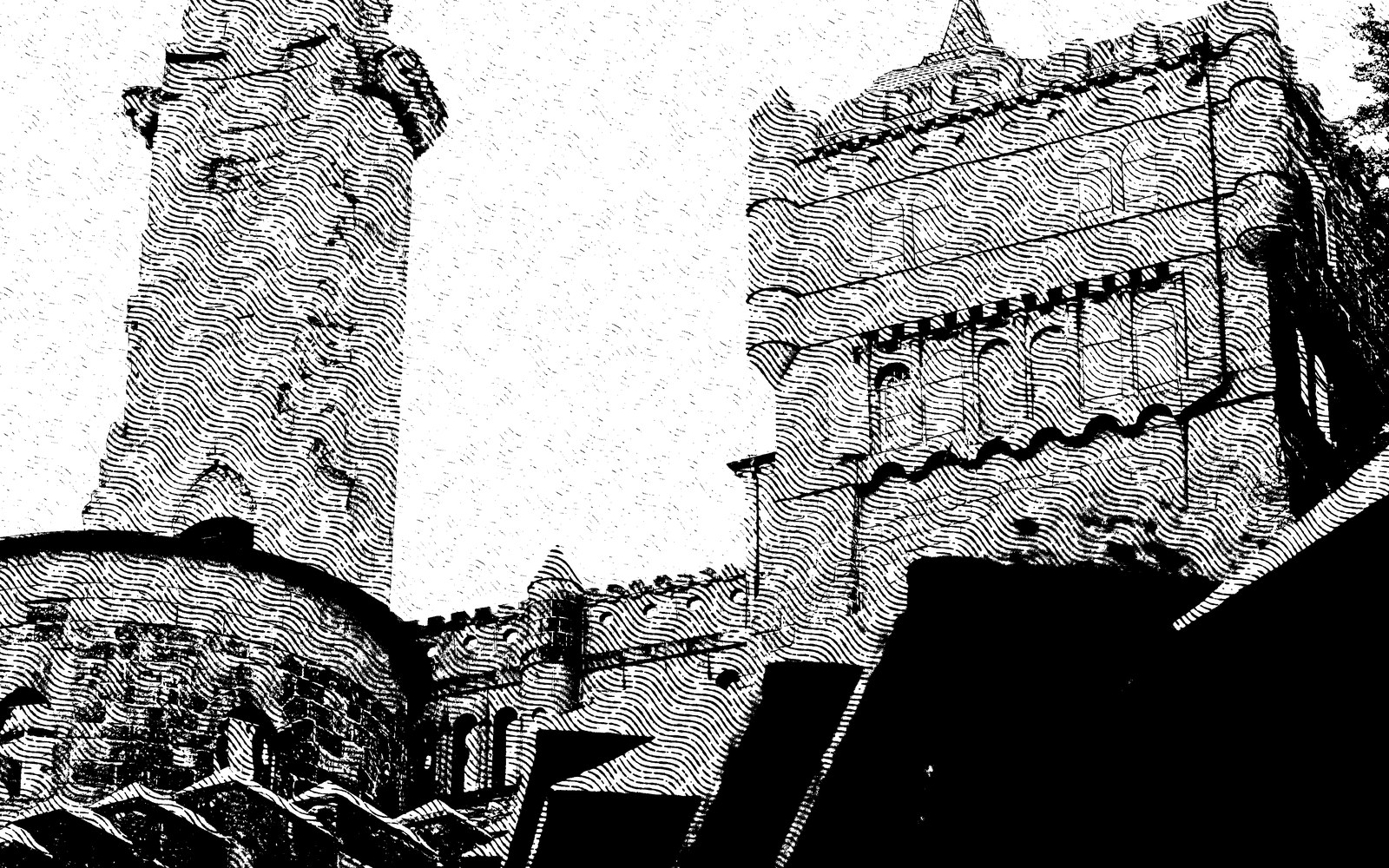
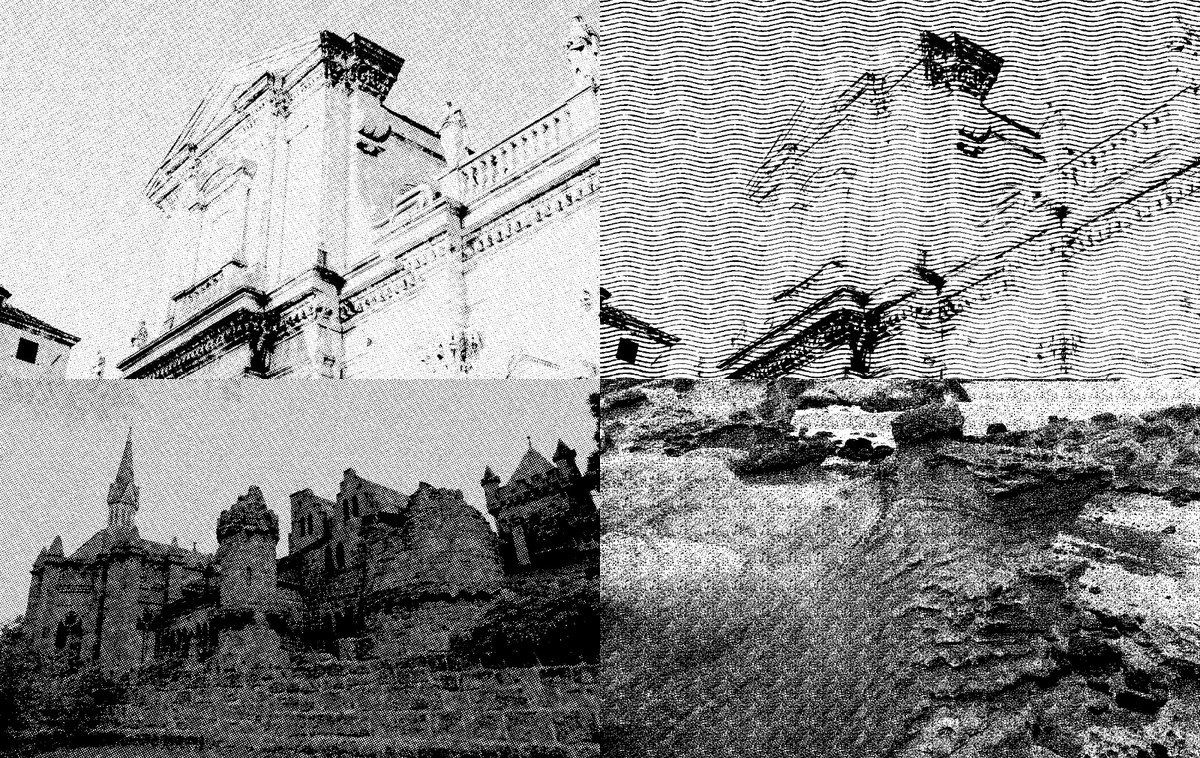
Forty-seven screen tones
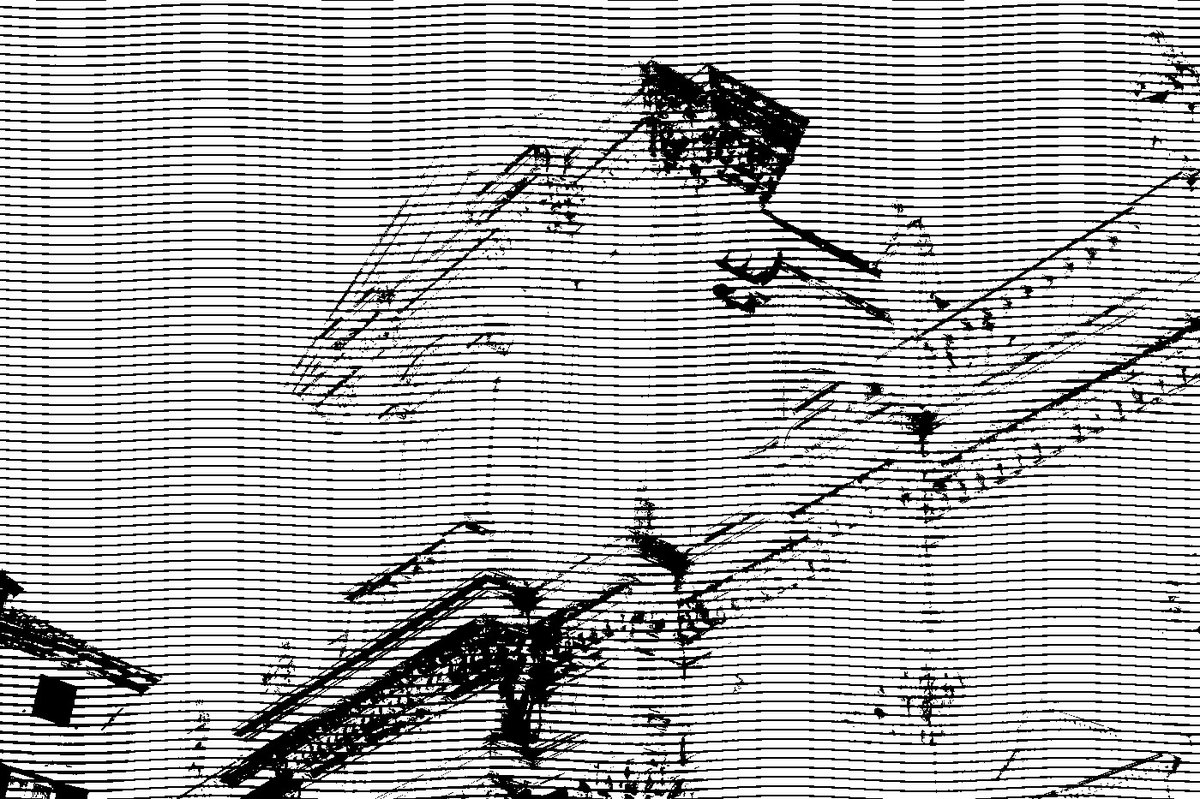
Organic grain, diagonal line, dots, horizontal noise, waffle and hand-drawn waves. Rotate and scale any tone, and flip it to white-on-black with one click.
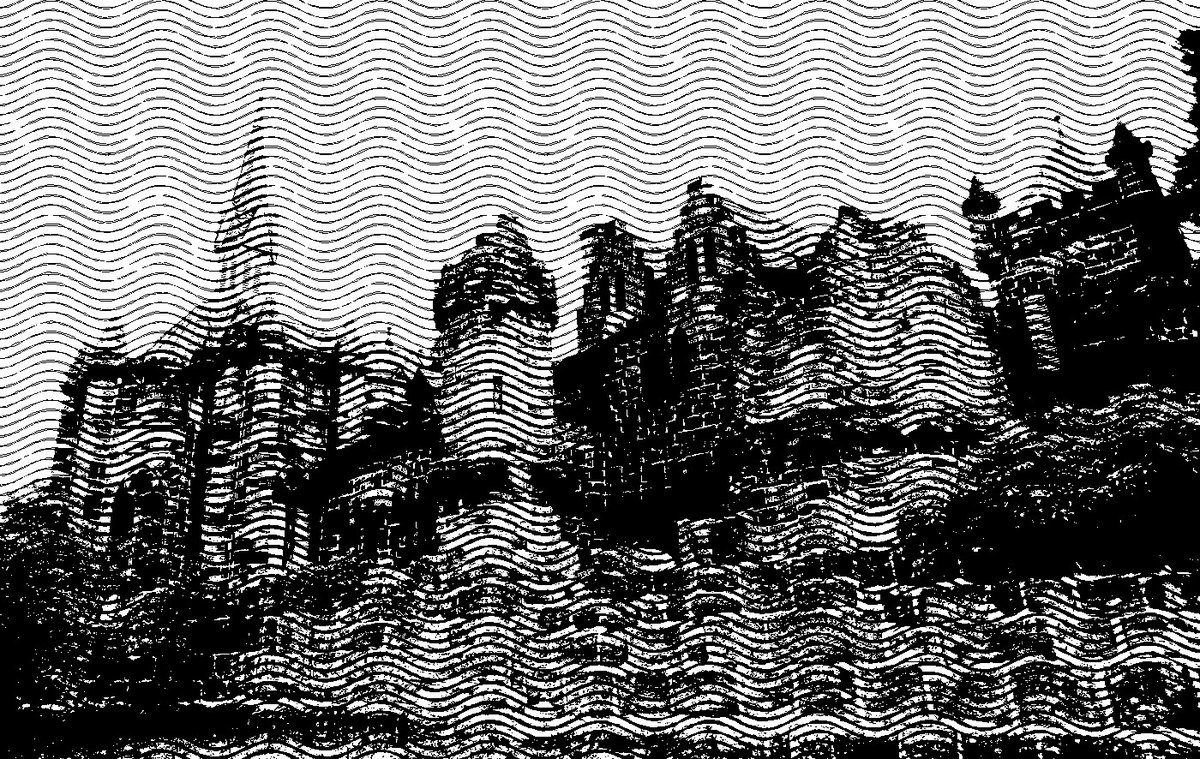
Shape the value first
Black, mid and white sliders set where the tone breaks, so the lights stay clean and the shadows fill in the way an engraver would cut them.
Build your own line screens
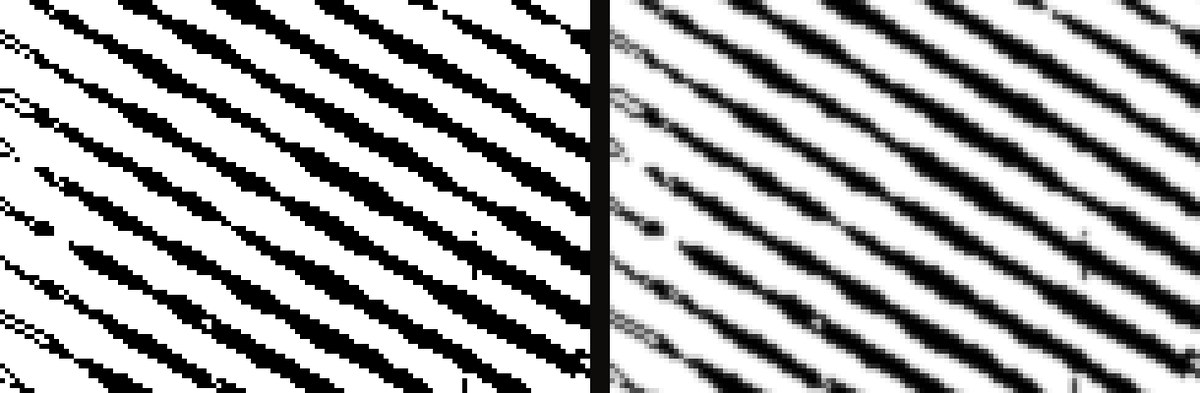
A line screen generator makes wave and straight-line screens with your own weight, spacing and swing, laid wall to wall with no tile seams.
Made for print
Hard, sharp lines by default, with an optional Soften for a touch of anti-aliasing. Export at 2x or 4x with the print resolution saved in the file, and batch up to ten images at once.
MADE BY AN ILLUSTRATOR
Built by Robert Revels, IP developer and creator of Falconeria, illustrator, concept artist and illustration professor, founder of Revels Atelier, for his own comic work.
$9.99BUY NOWInstant download after purchase. Your license key appears on the next page.
QUESTIONS
Do I need Photoshop?
No. Engraver is a standalone app that opens in your web browser. Bring the PNG it makes into any program: Photoshop, Clip Studio Paint, Procreate, Affinity.
Windows or Mac?
Both. It runs in Chrome, Edge or Safari on Windows and Mac. You download one file and double-click it. There is nothing to install.
Do I need to be online?
Only once, to activate your key. After that it works offline.
Is it a subscription?
No. You buy it once. Updates to this version are included.
How many computers?
One key works on up to three computers or browsers.
Refunds?
See the terms. Questions: help@revelsartschool.com.